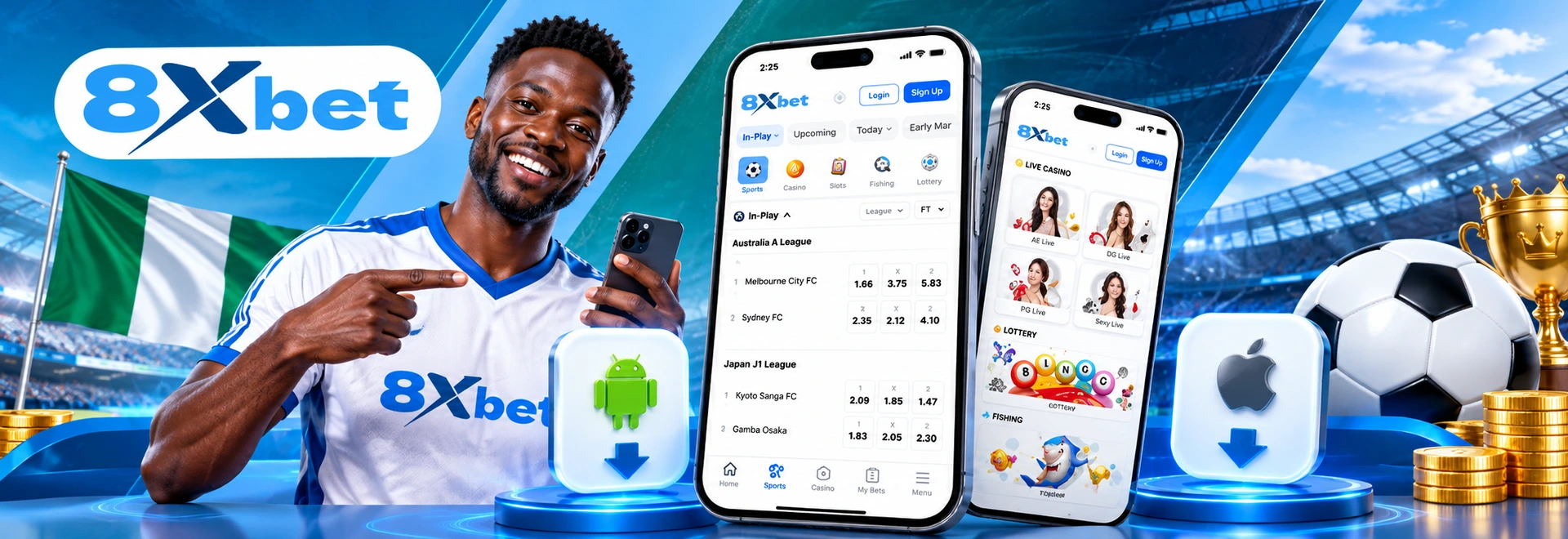
Having 8xbet on your phone keeps the sportsbook, live markets, casino, balance and account controls close to you whenever you need them, without waiting until you are back at a computer.
If you're an Android user, you can download the 8xbet app directly as an APK and install it on your device. On iPhone, the mobile site gives you the same core account access through Safari, and you can add 8xbet to your Home Screen when you want a shorter route back in. Your normal login details work across supported devices, so moving to mobile does not mean creating another betting account.
The choice is mainly between three ways of getting there: an installed Android app, browser access on either platform, or a Home Screen shortcut on iPhone. Get started and enjoy betting on the go.
The Android app gives you a direct icon on your phone instead of opening a browser, entering an address and finding your way back into the platform.
The app is built around a phone-sized interface, making it easier to move through markets, fixtures, odds and account sections.
The 8xbet Android app is installed through an APK downloaded directly from the 8xbet website. You don’t install the app through Google Play, but it is still straightforward once you know what Android is asking you to approve.
An APK is simply the installation package Android uses for an app. Download the 8xbet APK from the official 8xbet site, not from an APK directory, a social-media post or a file someone forwards to you.
Start from the official 8xbet website on the Android phone where you want to install the app.
Android may display a warning because the installation is coming from outside Google Play. That does not mean you should switch off your phone’s security protections. It simply means Android needs your permission before that browser or file manager can install an app.
Make sure the download has finished, your phone has enough free storage and your internet connection is stable enough to complete the file without interruption. If you already have an older 8xbet installation, an update or clean reinstall may occasionally be needed when the new APK refuses to install over it. The app itself is free to download.
Before the APK can install, Android may ask you to allow apps from that source. Depending on your phone and Android interface, the option may appear as Install unknown apps, Allow from this source or, on some older devices, Unknown Sources.
The usual process is:
The wording of the permission screen can differ between Samsung, Tecno, Infinix, Redmi and other Android phones. Follow the option presented by your device. Once 8xbet is installed, you can switch that permission off again for your browser if you do not normally sideload applications. There is also no need to disable Play Protect or weaken the other security features on your phone.
Once Android finishes installing the APK, 8xbet will appear among the apps on your phone. Open it and sign in with the account details you already use on the website. There is no separate “app account.” If you are joining 8xbet for the first time, you can create an account and then use the same credentials across supported mobile and desktop access.
The error on screen usually gives you a clue.
| What You’re Seeing | What May Be Happening | A Better Next Step |
|---|---|---|
| APK will not open | Installation permission is blocked | Allow the browser/file manager to install the APK |
| Download keeps failing | Weak connection or interrupted file | Delete the partial file and download it again |
| “App not installed” message | Old version or software conflict | Restart the phone and check the existing installation |
| Installation stops midway | Low device storage | Free some space before trying again |
| App installs but will not launch properly | Damaged installation or outdated copy | Remove it and reinstall a fresh official APK |
If the file itself looks suspicious, unusually named or came from somewhere other than the recognised 8xbet download route, do not force the installation through.
There is no 8xbet iPhone app, so the iPhone route is different. If you’re an iPhone or iPad user, you get the platform through the mobile website, which is built to work on the smaller screen without requiring an APK or separate software installation.
Open Safari, visit the recognised 8xbet website and sign in with the same account you would use elsewhere. New users can also register from the mobile site. If you want 8xbet sitting alongside your normal apps, Safari gives you a convenient shortcut:
An 8xbet icon will then appear on your iPhone Home Screen. Tapping it takes you back to the mobile platform without typing the address every time.
Both routes lead back to your 8xbet account. If you open 8xbet regularly on Android, you may appreciate having a permanent app icon and direct access. You may also prefer the browser because it uses no additional app storage and never requires a manual APK update.
Here is the practical difference:
| Feature | Android App | Mobile Browser |
|---|---|---|
| Getting started | Requires installation of the app or APK | Opens directly through your browser |
| Home-screen access | Launches from a dedicated app icon | Can be added through a browser shortcut |
| Device compatibility | Intended for Android devices | Works on Android and iPhone |
| Phone storage | Uses some storage space | Does not require app installation |
| Account access | Uses your existing 8xbet login details | Uses your existing 8xbet login details |
| Sports betting, Live betting | Available | Available |
| Casino games | Available | Available |
| Deposits and withdrawals | Available through the account | Available through the account |
| Betting navigation | App-based menus and phone-friendly layout | Browser-based navigation |
| Updates | May require a newer APK or app update | Website updates appear automatically |
| Notifications | May support phone notifications when enabled | Depends on browser and device support |
| Best suited to | Regular users who want quick, repeat access | Users who want access without installing an app |
There is no need to create a separate account for either route. Your balance, betting activity and profile stay attached to the same 8xbet credentials.
8xbet brings the sportsbook, casino and account tools into the mobile experience, so you can move between placing bets and managing the practical side of the account without reaching for another device.
You can browse football, basketball, tennis and other available events, build your bet slip and move into live markets once supported matches are on. If sport is the main reason the app is on your phone, the 8xbet Sports Betting page gives you a deeper look at the available markets and betting experience.
From mobile, you can move into the available casino categories and play supported titles using the same account balance and login. Live casino is also part of the mobile offering. See 8xbet casino for more game categories and the casino experience in more detail.
Your money needs to be manageable from the same device. The mobile account gives you access to deposit and withdrawal functions, balance information and supported payment options without sending you back to a computer. For the payment routes and exact funding steps, use 8xbet deposit Nigeria.
Mobile access also gives you everyday account functions like balance checks, betting history, promotions, account information and support access. This makes your phone a practical place to keep track of what is happening across your account.
Keep Your Betting Account Within Reach. Install the Official 8xbet APK on Android or Add 8xbet to Your iPhone Home Screen.
The safest option is to get the APK directly from the official 8xbet website and keep your normal Android security protections enabled. Avoid third-party APK stores, forwarded files and unfamiliar download links because you cannot reliably confirm that those copies have not been changed.
No. Your existing 8xbet credentials work with the Android app and mobile website, so you do not need to register another profile just because you changed devices. New users can create an account through 8xbet sign up.
Ordinary odds checking and account browsing are relatively light activities, while live casino and other media-heavy sections naturally use more data; your network, session length and what you open will determine the real total.